

SwfTap for Android
Share your card by QR code, NFC tap or link, and remember everyone you meet. Free on Google Play for Android 9 and later.
You need a SwfTap account to share your own cards. Want to look around first? Tap “Try with sample data” in the app. The sample data stays on your phone.
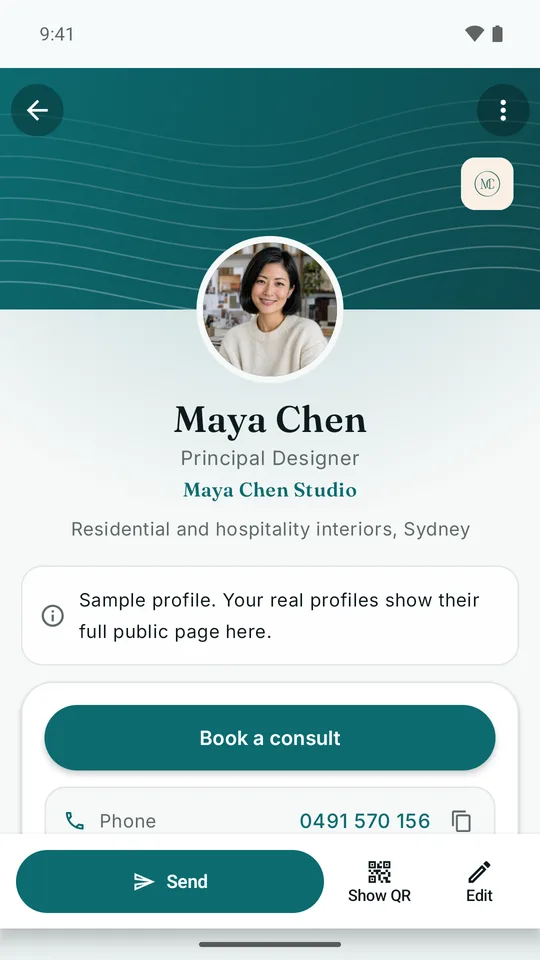
What you can do with the app
- Share in a tapQR code, NFC or link, from the app, a widget or Quick Settings
- Capture anythingCards, QR codes, photos, documents and links, searchable later
- Keep your contactsNotes, tags, follow-up reminders and lead review
- See who lookedCard opens, profile views, leads and document reads
- Private and offlineEncrypted on your phone, app lock, works without signal
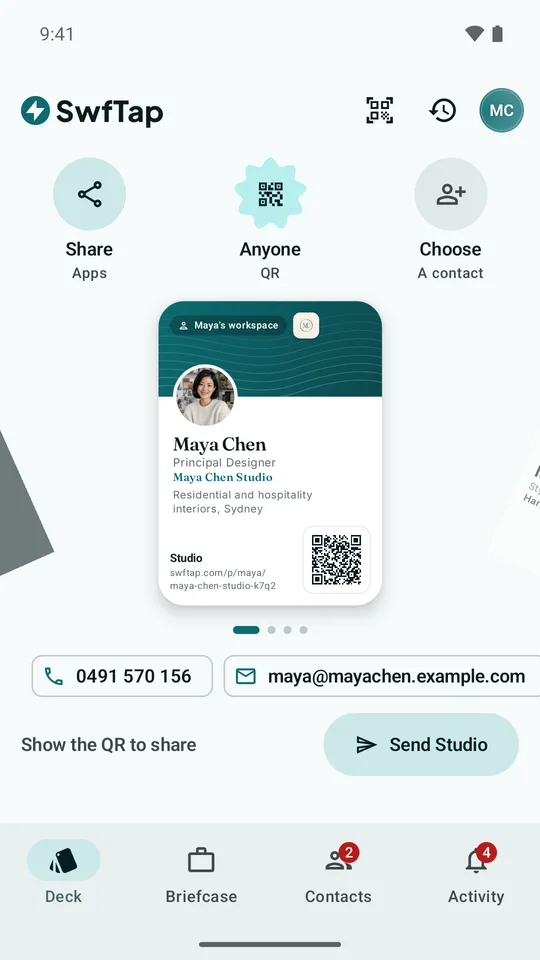
Deck
Your card, one flick away
Every SwfTap profile you have, personal and work, sits on one dial. Swipe to choose a card, then share it the way that suits the moment.
- Show the QR code, or hold your phone to theirs to share by NFC
- Send it through any app, or straight to someone in your contacts
- Open your QR from a Quick Settings tile, a widget or a long-press shortcut
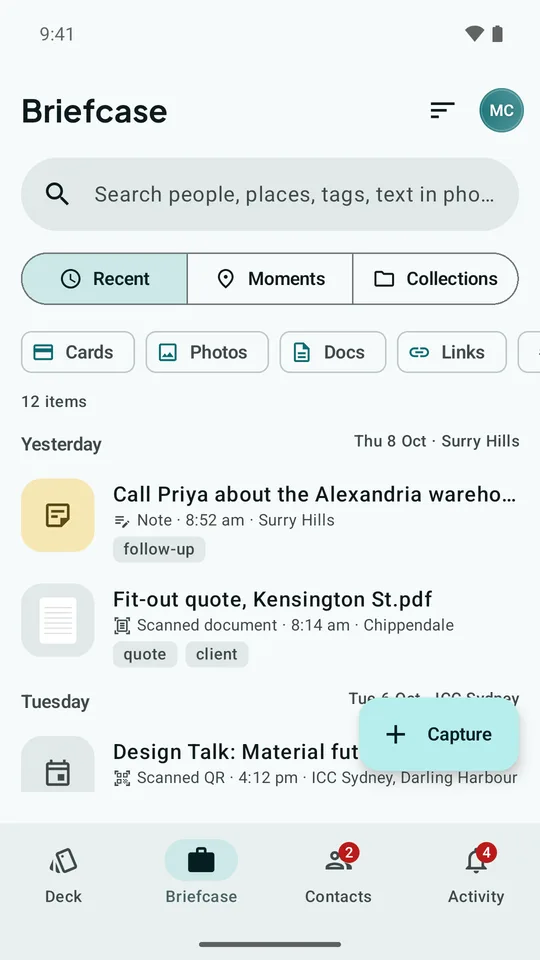
Briefcase
Keep everything you collect
SwfTap cards, QR codes you scan, photos, scanned documents and links all land in your Briefcase, saved with when and where you got them.
- Text in photos and scans is searchable
- Things captured close together are grouped into Moments
- "The supplier from the expo" is a search away
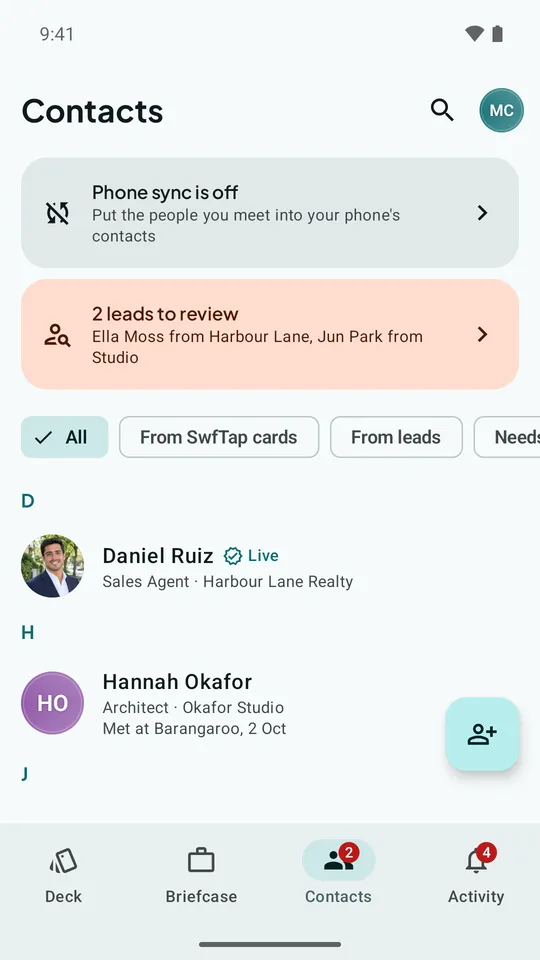
Contacts
Remember who you met
People from SwfTap cards, scans and the lead forms on your profiles come together in one list. Add notes and tags and set a follow-up reminder.
- Review new leads before they join your contacts
- Optionally put your contacts into your phone's Contacts app, under a separate SwfTap label
Activity
Know when they look
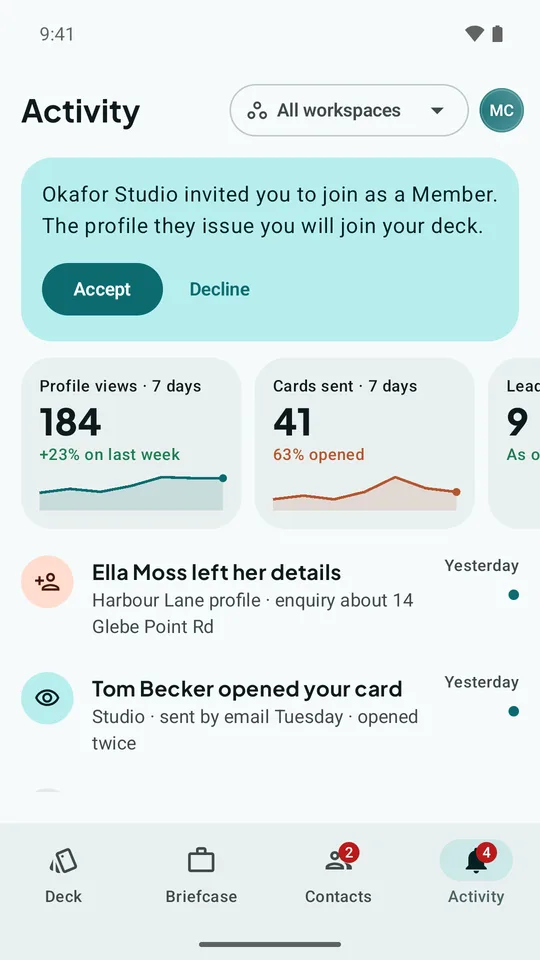
See when someone opens a card you sent, leaves their details on your profile, or reads a document you shared, plus your profile views and cards sent this week.
- Views, sends, leads and document reads in one feed
Private by design
Your contacts stay locked down
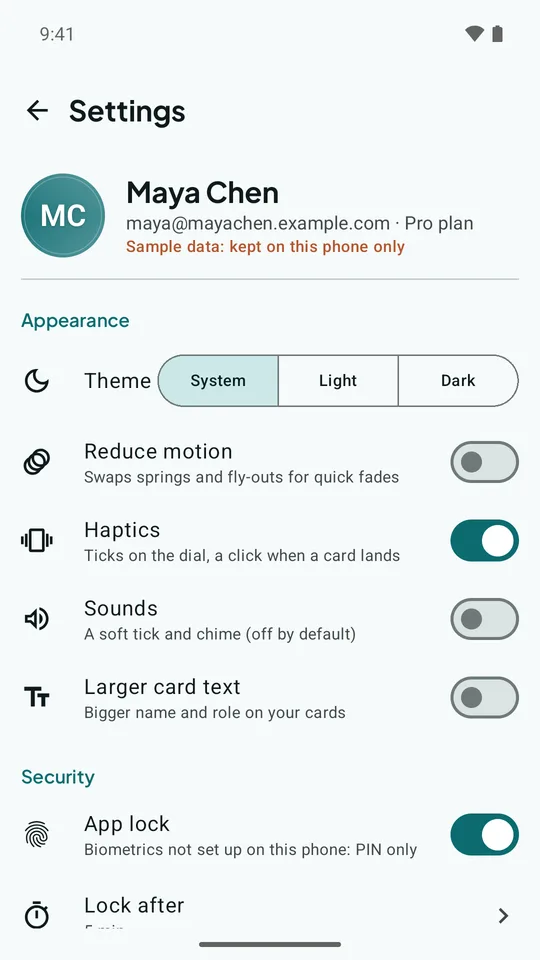
What SwfTap keeps on your phone is encrypted, and you can lock the app with your fingerprint or phone PIN. It works offline and catches up when you're back online. Location is only saved with something you capture, and only while you're using the app.
Profiles, QR codes, short links and documents are created and edited at swftap.com. The app is for sharing your cards and keeping what you collect. Privacy policy
Get the app
On iPhone? There's no iPhone app yet, but your SwfTap profile opens in any phone's browser, with nothing to install.
Google Play and the Google Play logo are trademarks of Google LLC.
Make your first profile
Free plan, no card required. Upgrade when you need more.