

A table QR code you'll never have to reprint
The menu changes with the season, the ordering app changes when the contract does, and the laminated QR code on every table still points at last year's PDF. SwfTap codes stay put while the page behind them keeps up.
Free plan, no card required.


Table scans
212 today, peak 12:30pm
Top button
See the menu
Example data
The problem
Printed codes go stale faster than the menu
A QR code printed straight to a PDF menu is fixed forever. Change your supplier, your prices or your ordering platform and every table card, window decal and takeaway bag needs reprinting.
And you still can't tell whether anyone scans the code on the window, or only the ones on the tables.
How SwfTap solves it
What you'll use, in plain language
- All plans
A page that looks like your venue
The Café & Restaurant template sits your menu, ordering and bookings over a photo of your own room, with this week's favourites as photo cards.
24 designed templates → - 2 on Starter, 100 on Pro, unlimited on Team
Codes that never go stale
Point every table, window and bag code at your page. Change what's behind it any time and nothing needs reprinting.
Dynamic QR codes → - All plans
Your favourites, with prices
Show signature dishes or retail items as photo cards with a price, and sell vouchers with a Buy Now button.
Product cards and Buy Now → - All plans
Bookings in one tap
Link your booking system as a button, or take bookings straight from your Google Calendar.
Bookings → - All plans
See when people scan
Scans by time of day and code show which tables, windows and flyers get used.
Scan and click analytics → - 1 on Starter, 25 on Pro, unlimited on Team
Count plays on your menu boards
A tracking pixel in a digital menu board playlist or your newsletter counts each play or open, so you know the screen is running and the email was read.
Tracking pixels → - All plans
More Google reviews
A Leave a Review button sends happy customers straight to your Google review page while they're still at the table.
Review links →
A real template
Start from Café & Restaurant
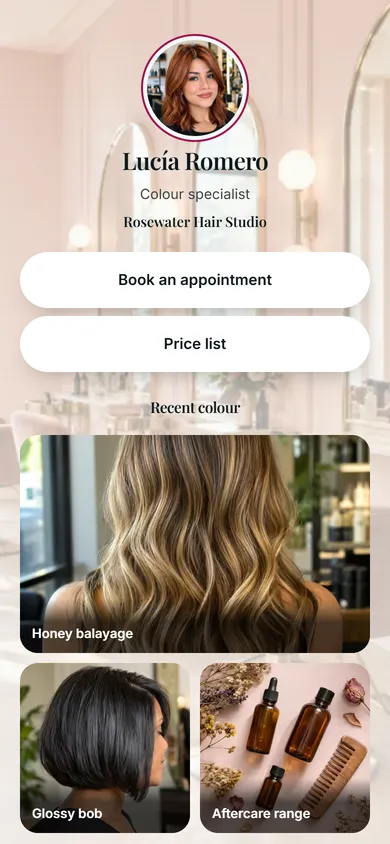
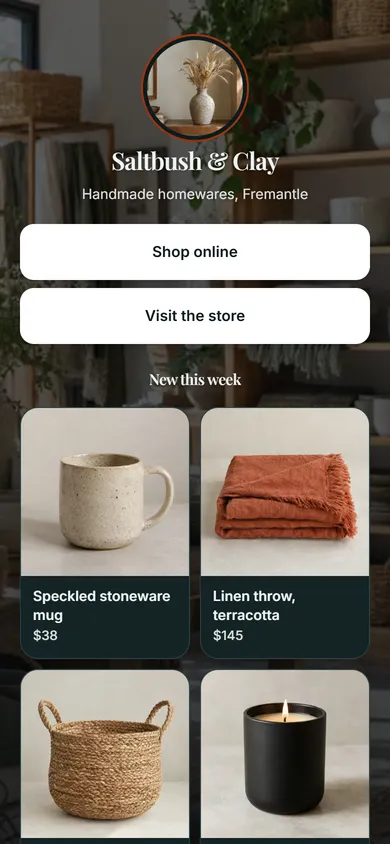
The Café & Restaurant template puts your logo in a round frame over a photo of your venue, then menu, ordering and booking buttons and a This Week's Favourites section. Salon & Beauty and Retail & Shop follow the same approach for appointments and products.
Apply it and every block stays editable. Your own photo replaces the sample portrait, and the sample links are cleared so nothing points at someone else's business.
Also a good fit
How to set it up
4 steps to set it up
Step one is the quick part: pick a template, add your photo and publish. The rest can wait until you need it.
- 1
Start from Café & Restaurant
Upload a photo of your room and your logo, then add buttons for the menu, ordering and bookings.
Choose a template
24 templatesCafé & Restaurant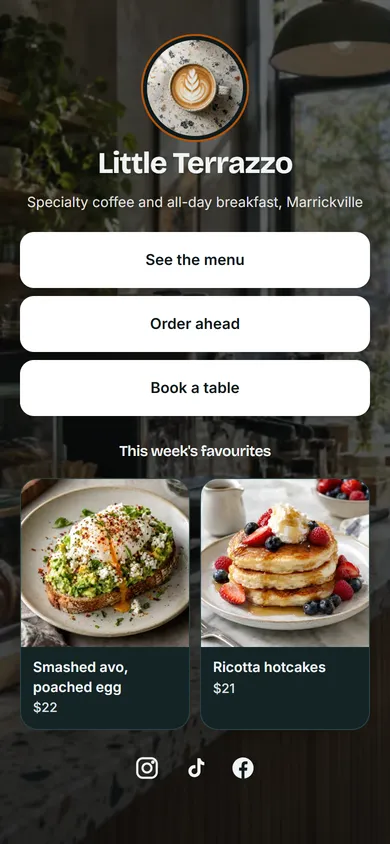 Salon & Beauty
 Retail & Shop
 Use Café & Restaurant
Example data - 2
Add this week's favourites
Show a few dishes as photo cards with prices. Swap them when the menu changes.
Product cards
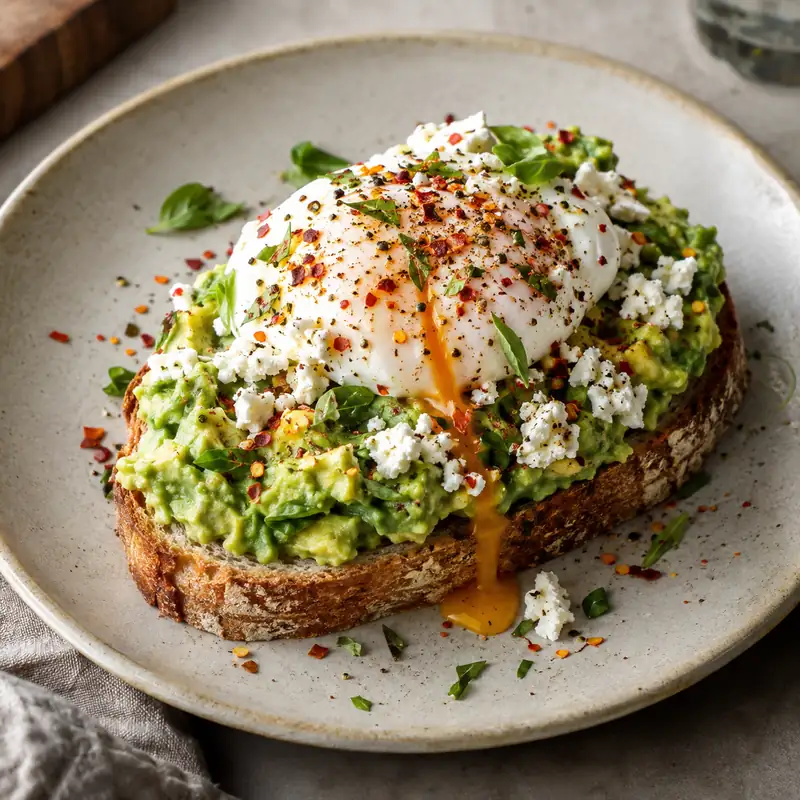
Smashed avo, poached egg
$22
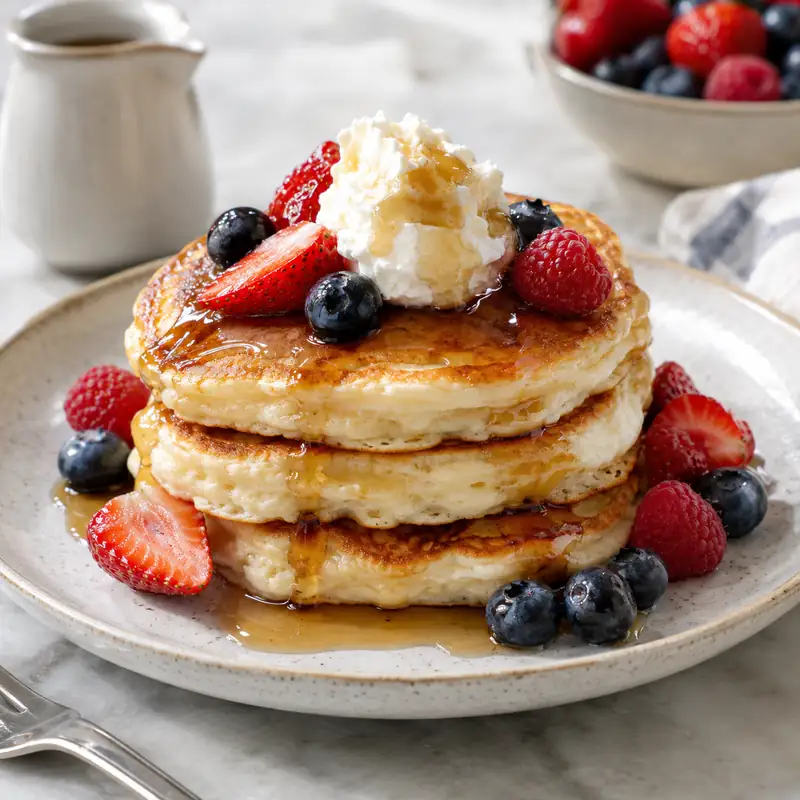
Ricotta hotcakes
$21
+ Add item · Buy Now with Stripe
Example data - 3
Print your table codes
Download a styled QR code for table cards, the window and takeaway packaging.
Café & Restaurant demo
swftap.com/template-preview/cafe
DynamicPNGSVGChange destinationExample data - 4
Watch the lunch rush
Scan analytics by hour show when people order and which codes they use.
7 daysProfile views, last 7 days
430 +24%
- See the menu112 clicks
- Order ahead64 clicks
- Book a table31 clicks
Example data


Questions about SwfTap for cafés and hospitality
More answers in the help centre, or see pricing.
Other ways people use SwfTap
All use cases →




Set up SwfTap for cafés and hospitality today
Free plan, no card required. Upgrade when you need more.