

A QR code business card that's never out of date
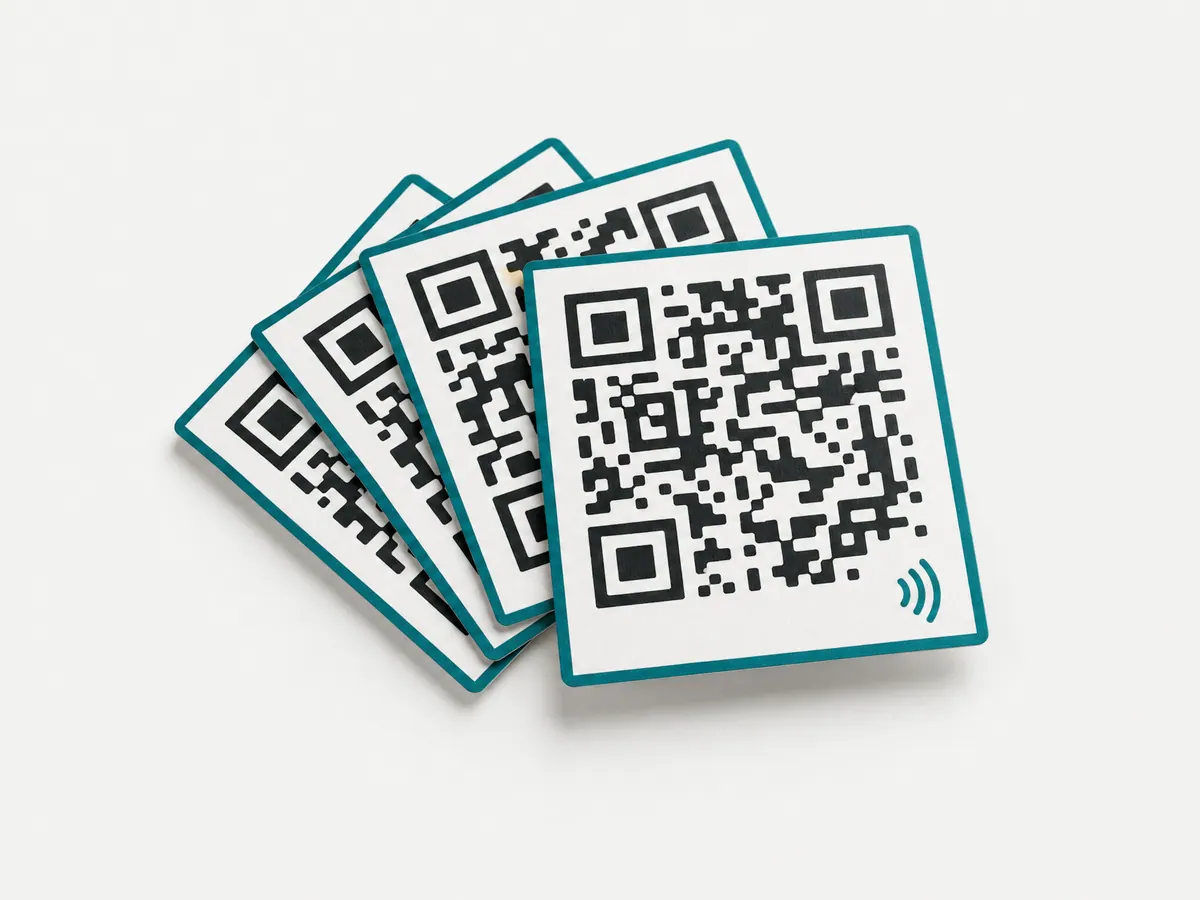
Put one QR code on your card, email signature or name badge. It opens your SwfTap profile on any phone camera, and the profile behind it changes whenever you edit it.
How it works
- Step 1Make your profilePick a template, then add your photo, role, phone, email, links and a booking or enquiry form. Profiles are free on every plan.
- Step 2Get your QR codeOpen Share on your profile and choose QR code. Save the image for print, or show the code on screen from the SwfTap app.
- Step 3Print it anywhereBusiness cards, email signatures, name badges, flyers and stands. The code stays the same for as long as the profile exists.
- Step 4Edit any timeChange your details, photo or buttons and save. Everyone who scans a code you've already printed sees the update.
Better than a vCard QR code
A vCard QR code packs your details into the code itself, so they are fixed the day you print it. A SwfTap QR code opens your profile instead. The details stay current, the page can carry links, a booking form and documents, and a Save my contact button still puts a vCard into the other person's phone.
Your profile's code is free and unlimited
The share QR code for your profile is generated from the profile's address and never counts against your QR code allowance. Sharing your own profile is never rationed.
Dynamic QR codes for everything else
Need codes for a menu, a sign or a product? Dynamic QR codes let you change where a printed code goes, with scans broken down by device, country and time. Starter includes 2, Pro 100 and Team unlimited.
- Styled codes that keep working when the destination changes
- Short links with UTM tags from the same resource
- Scans and clicks in one analytics view
Make your first profile
Free plan, no card required. Upgrade when you need more.